
Max out Silhouette Cameo 4 work width
While using the Silhouette Cameo 4, I was always frustrated because the real working width is only 295 mm.
You can extend the width to 305 mm by selecting the 12×12 inch cutting mat, but that takes 5 mm on the left side of the material because of the mat border.
Standard Orcal material has a width of 313.5 mm so you miss nearly 18 mm material.
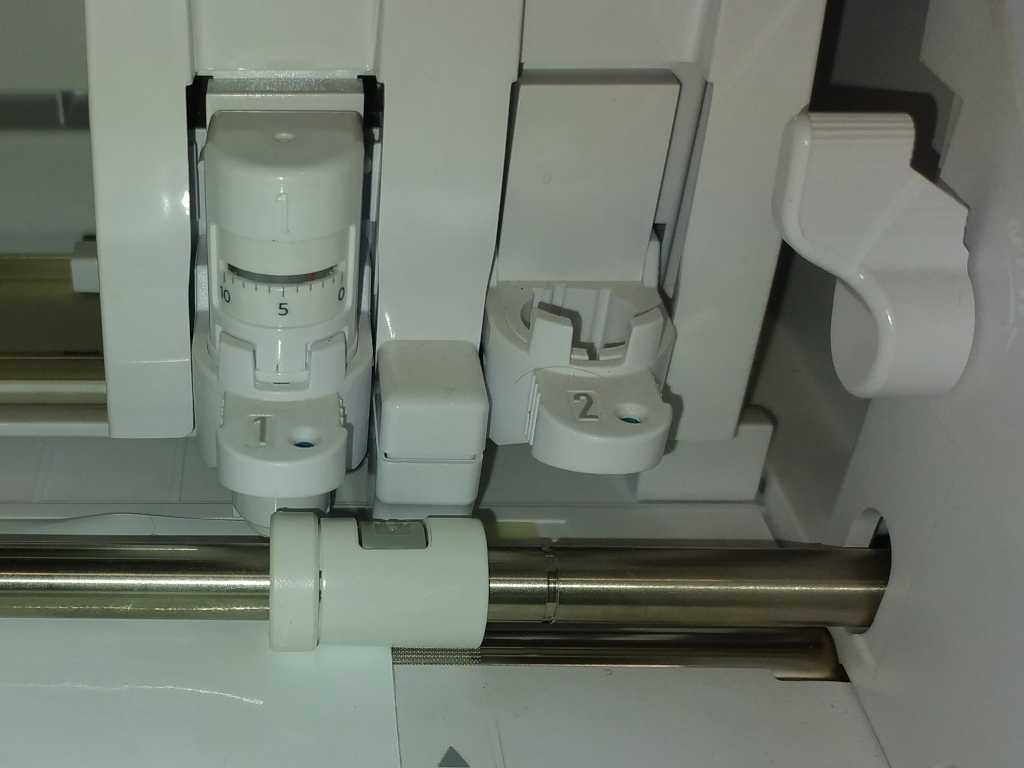
I reverse engineered the firmware and tried to find a command to increase the width, but it is not possible. There is a system command what changes the model type (CAMEO 4/ PLUS / PRO), but it is to risky to change it to PLUS.
Then I figured out how to patch the update file and increased the maximum work width by 20 mm and flashed the firmware. And now, success:
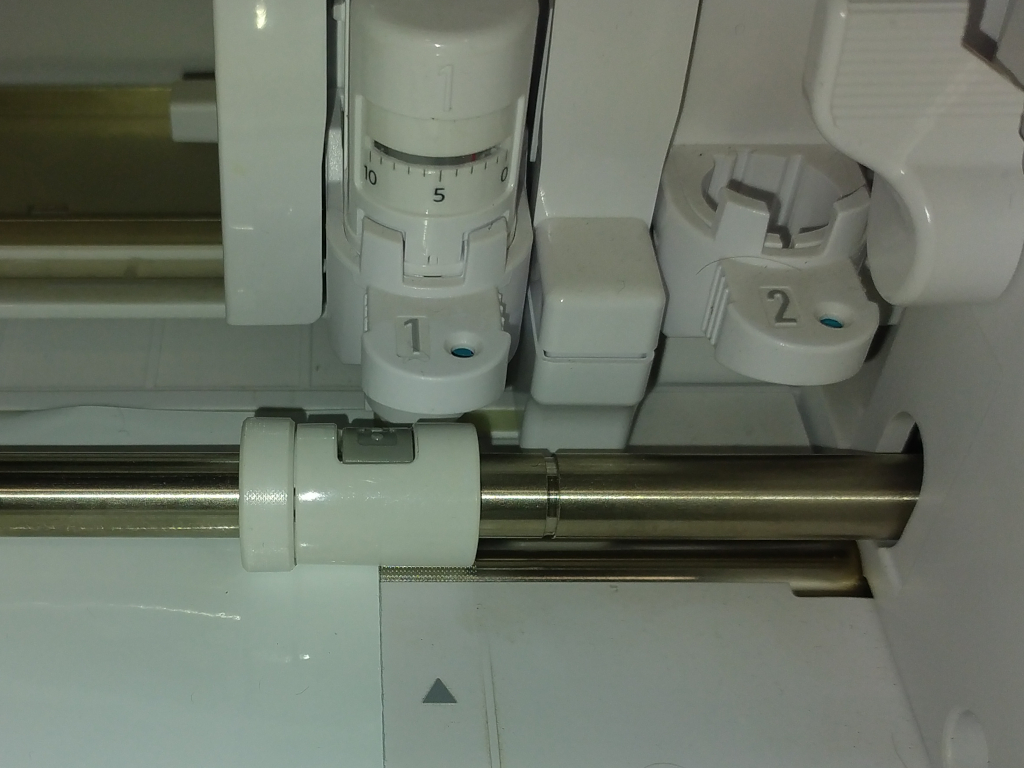
The maximum right offset is now 3 mm before the head touches the case.
Here is the patch for the version 1.20 „CAMEO4_V120_R0002.S“:
2c2
< S22000000050570000000000052996676E0080001A403702000000001B44F2020039
---
> S220000000505700000000000529961C040080001A403702000000001B44F20200EE
216c216
< S224001ABC9CFF0000000038FFD4FE0000000038FF48EE0000A8290100F0CC010018F6000057
---
> S224001ABC9CFF0000000038FFD4FE0000000038FF48EE0000A8290100F0CC010078E6000007
956c956
< S22400773C3E49C8605B485849086041F24C305749086042F25C10564908600EE04FF21860C8
---
> S22400773C3E49C8605B485849086041F24C305749086042F25C10564908600EE04EF2786069